Learn To Upgrade Your Proxmox Cluster's RAM
Hey guys, in this video, learn how to:
- Properly shut down VMs and containers in Proxmox.
- Ensure VMs and containers auto-boot after restart.
- Upgrade RAM on Proxmox nodes.
- Verify all services are back online.
Container Auto Boot in Proxmox
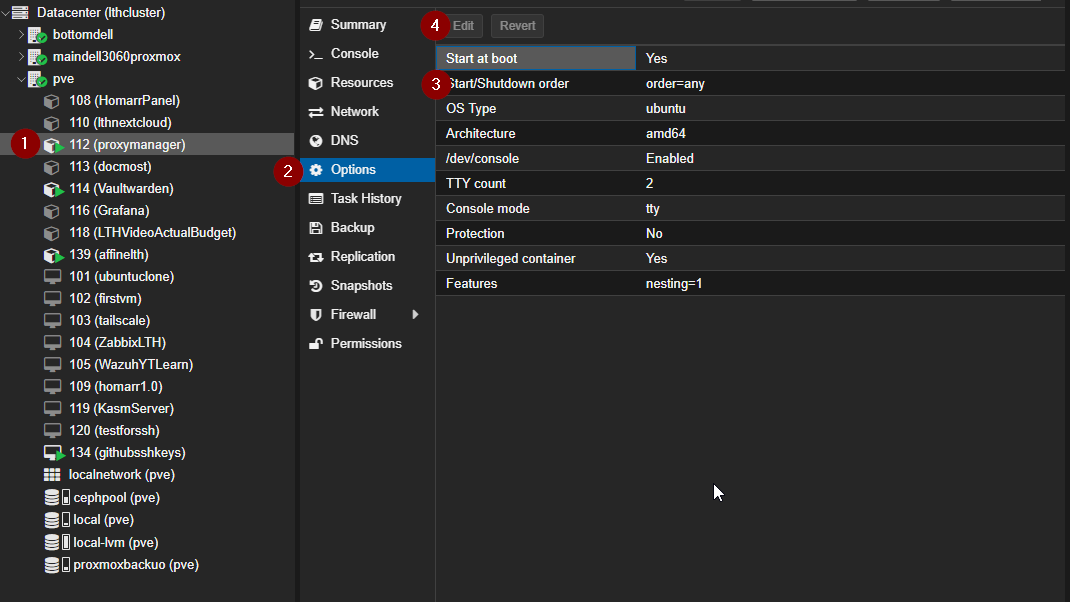
Log into your Proxmox node or cluster and ensure start at boot is set to yes for containers.
Virtual Machine Auto Boot in Proxmox
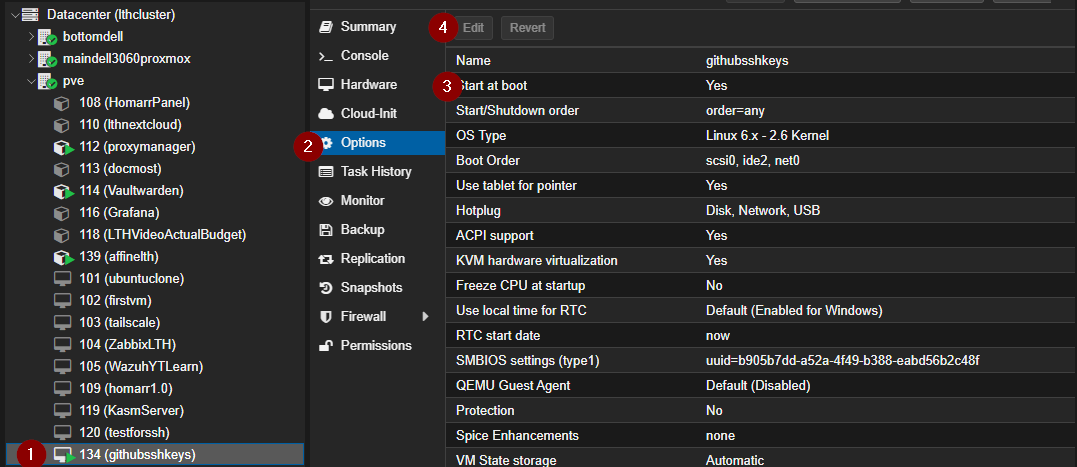
Similarly, set start at boot to yes for each virtual machine.
Change Your RAM
Physically replace or upgrade the RAM on your Proxmox node, then power on the machine.
Verify Services Are Online
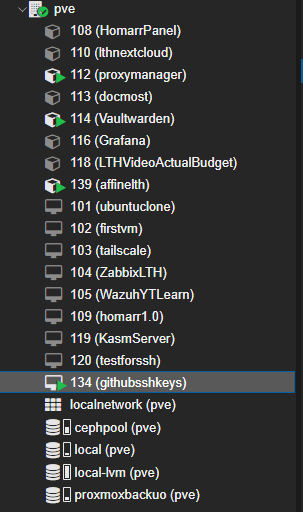
Log back into Proxmox dashboard and confirm containers and VMs have green arrow indicators showing they are running.