How To Update Proxmox
In this episode we will cover how to update Proxmox. Please follow the steps below.
- Access your Proxmox Node via its assigned IP address and the port :8006
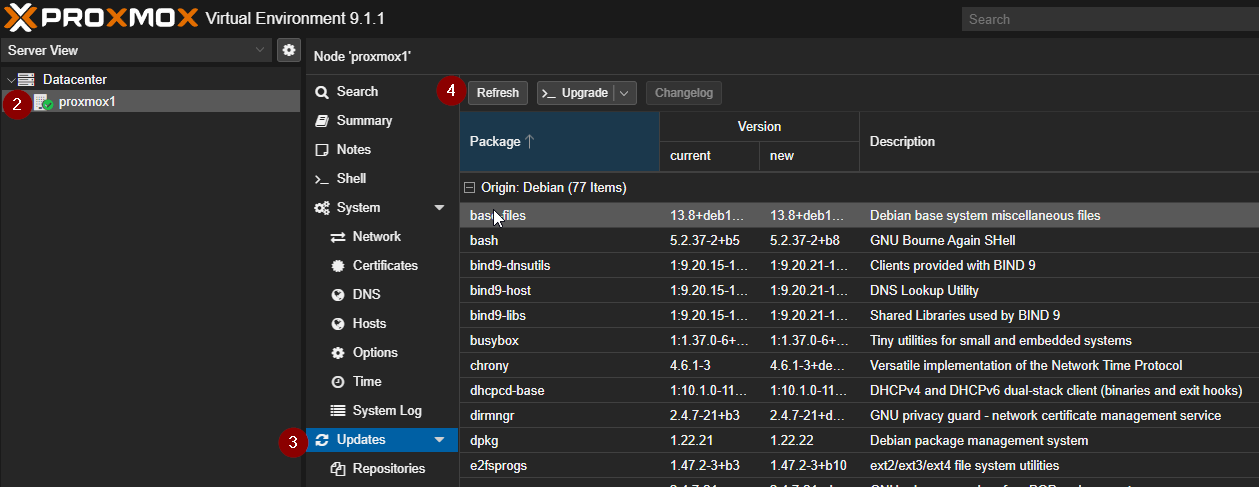
- After you login, select your node from the left menu.
- Under the Nodes Tree menu, select updates
- Click the Refresh button from the top menu to ensure you have the latest updates.
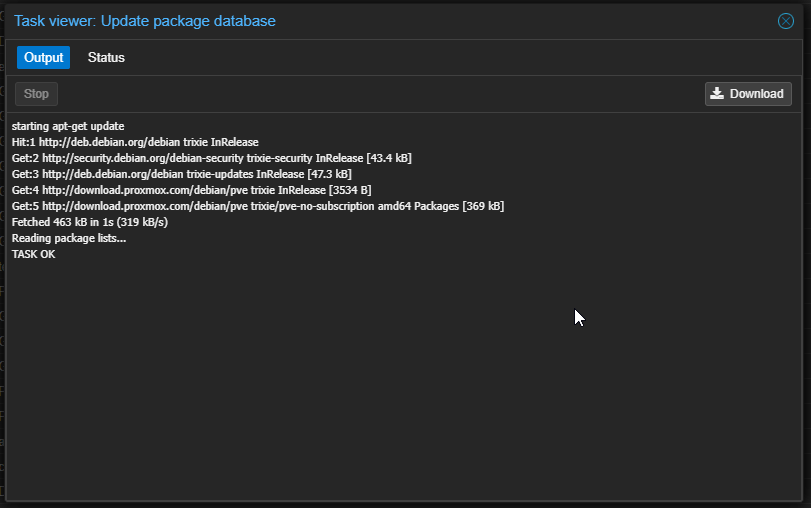
- Ensure you get a Task Ok Before exiting the popup.
- Click >_Upgrade from the top menu.
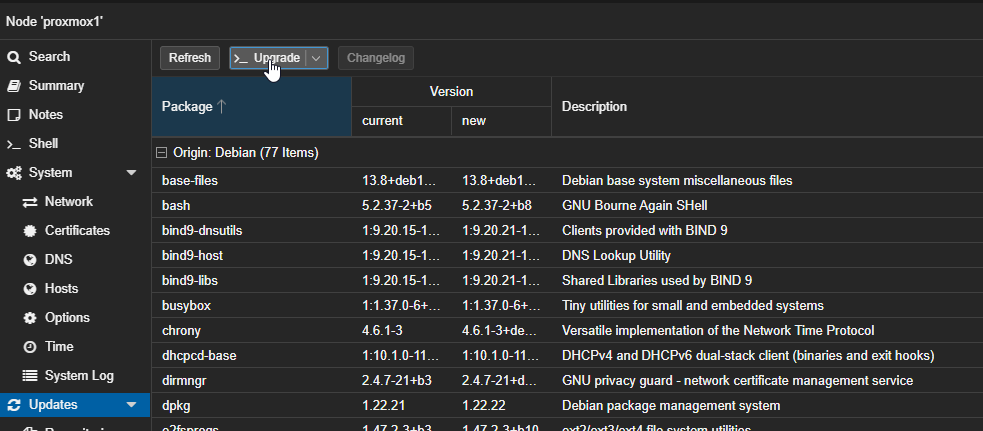
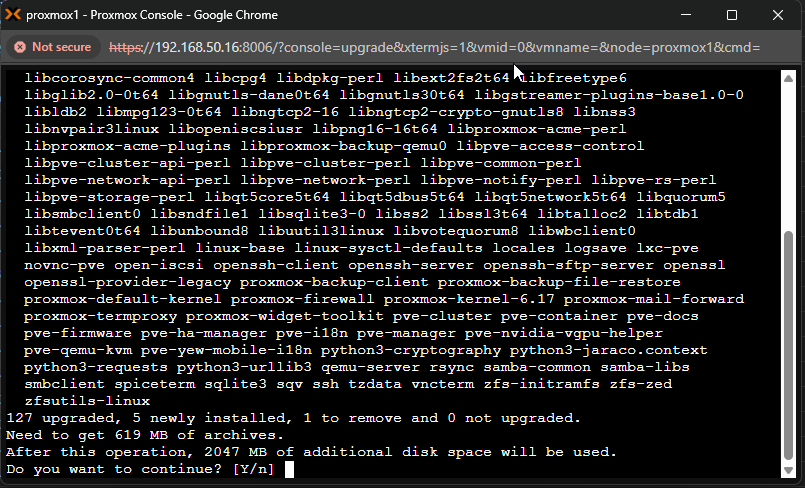
- You will get a terminal popup asking you if you want to continue. Press enter.
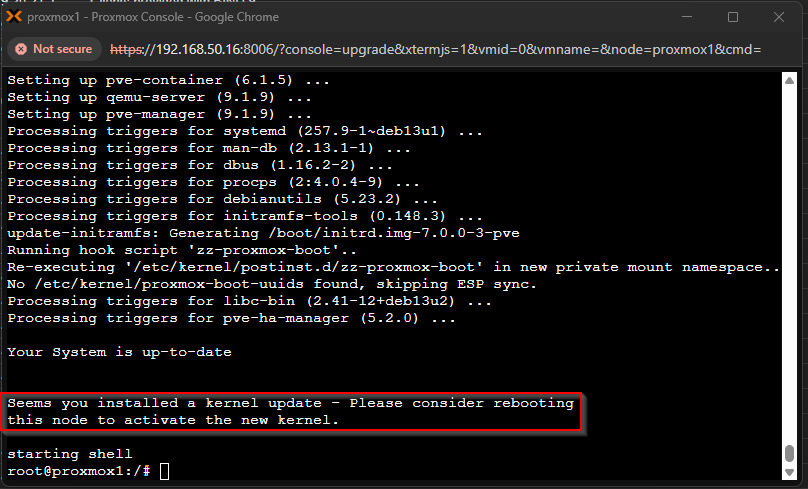
- After you are done updating, look for any informational warnings like the one below in the red box. You may need to restart your node depending on the updates.
warning
In the case you do need to restart your node, ensure any critical services are running (moved to) on another node before restarting.
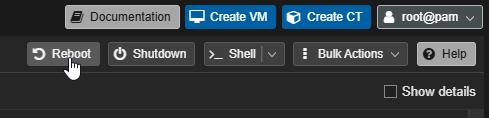
- You can reboot your machine via the reboot button found in the top right of your GUI: