How to Create VLANS in UniFi OS
Creating VLAN in UOS Server
The first thing you want to do is login to your UOS Server (UniFi Operating System).
After you login, click the gear icon found on the bottom right:
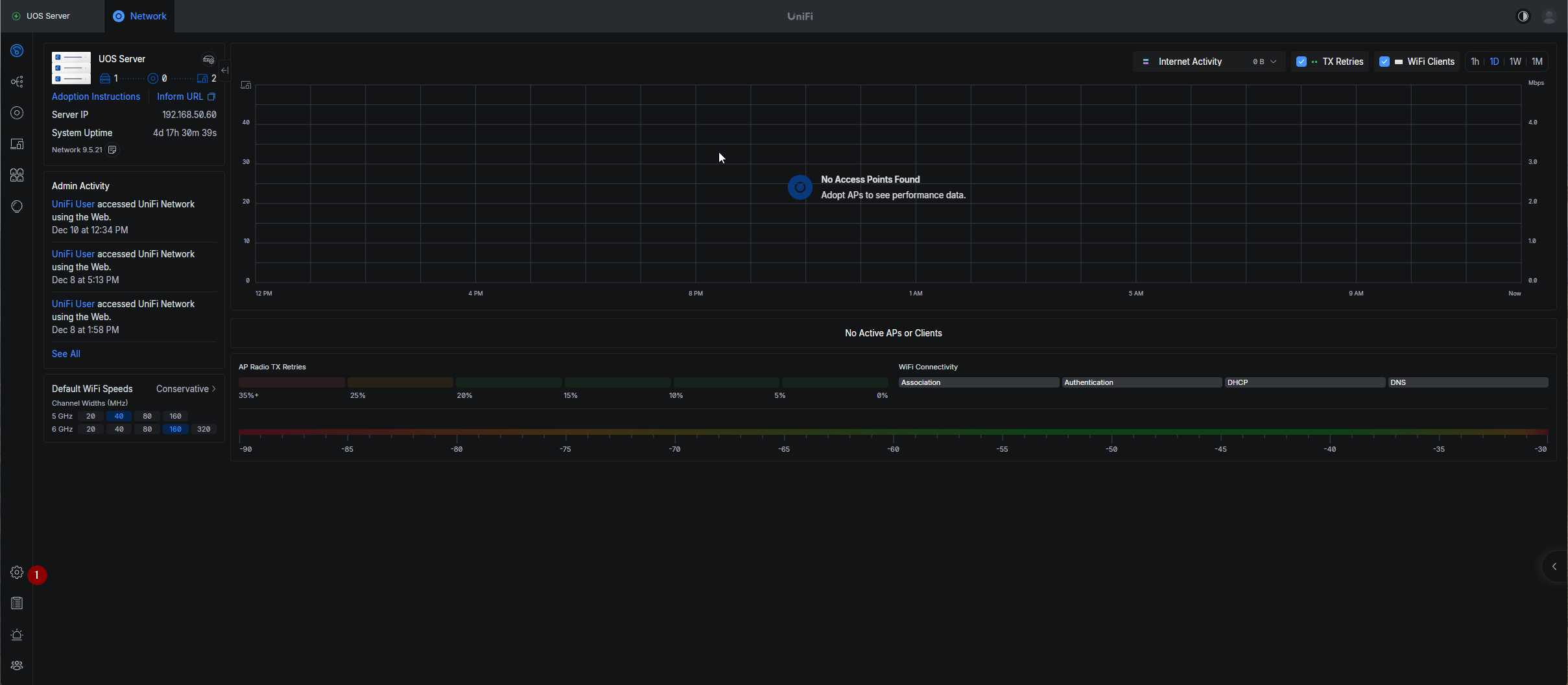
Next, select Networks from the menu on the left.

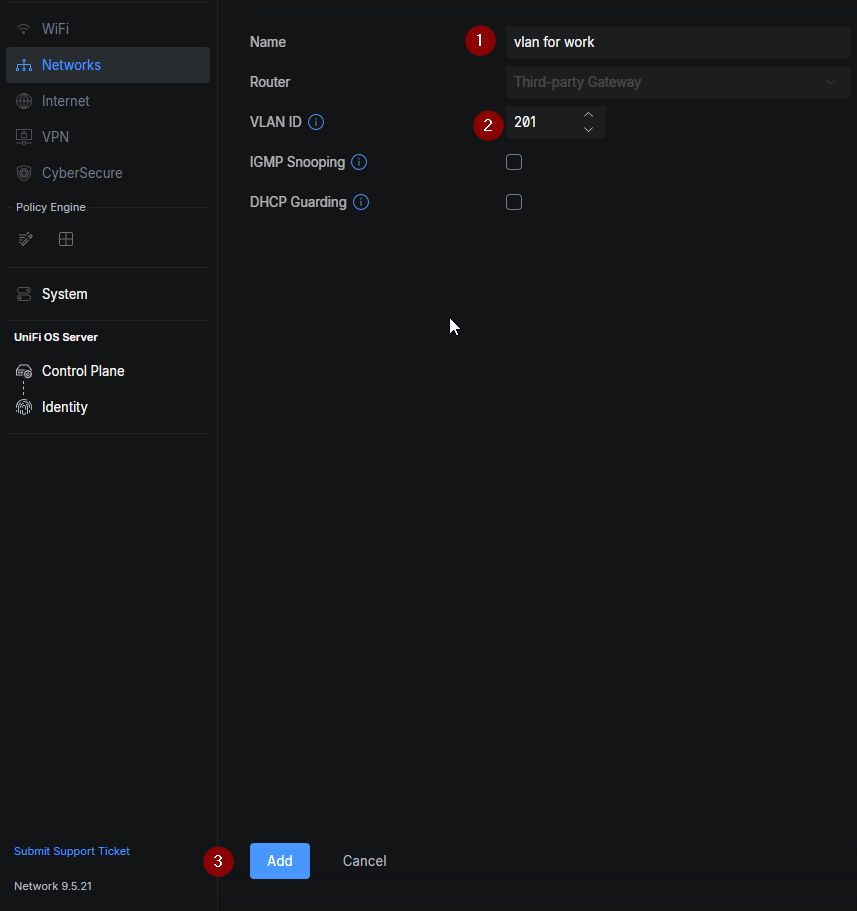
Under networks you will be able to create a new virutal network, so click that.

Next, you will create a VLAN by giving it a name and a VLAN ID, then click Add at the bottom.
How to Add VLANS to Unifi Switches
To add a VLAN to your specific switch and switch port of your choosing, select devices from the left window.
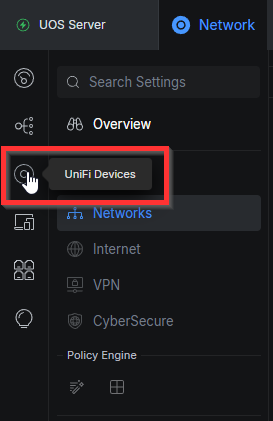
Then from your list of devices, select the one you want to add the VLAN to.

On your selected device, select Port Manager from the right side window.
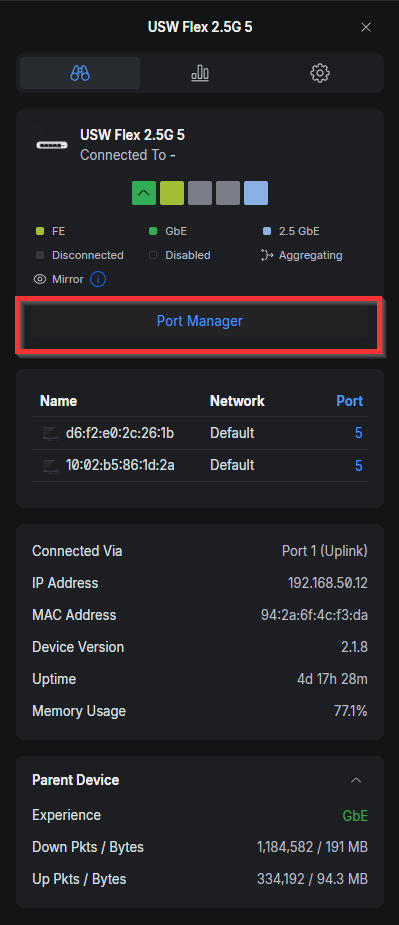
When in the port manager you can assign the VLAN with:
- Pick the Port
- Select the VLANS column
- Select the VLAN ID from the drop down

That is it, now you have VLANs within your Unifi Network!